Skip to content
View in the app

A better way to browse. Learn more.

tả pí lù

A full-screen app on your home screen with push notifications, badges and more.

To install this app on iOS and iPadOS
  1. Tap the Share icon in Safari
  2. Scroll the menu and tap Add to Home Screen.
  3. Tap Add in the top-right corner.
To install this app on Android
  1. Tap the 3-dot menu (⋮) in the top-right corner of the browser.
  2. Tap Add to Home screen or Install app.
  3. Confirm by tapping Install.
ĐĂNG KÝ THÀNH VIÊN

Joker

Quản Trị
  • Joined

Files posted by Joker

    • Free
    • 6 Downloads
    Updated
    • Free
    • 0 Downloads
    Submitted
    • Free
    • 0 Downloads
    Submitted
    • Free
    • 0 Downloads
    Submitted
    • Free
    • 0 Downloads
    Submitted
    • Free
    • 0 Downloads
    Submitted
    • Free
    • 1 Downloads
    Updated
    • Free
    • 1 Downloads
    Submitted
    • Free
    • 1 Downloads
    Updated
    • Free
    • 0 Downloads
    Submitted
    • Free
    • 0 Downloads
    Submitted
    • Free
    • 2 Downloads
    Updated
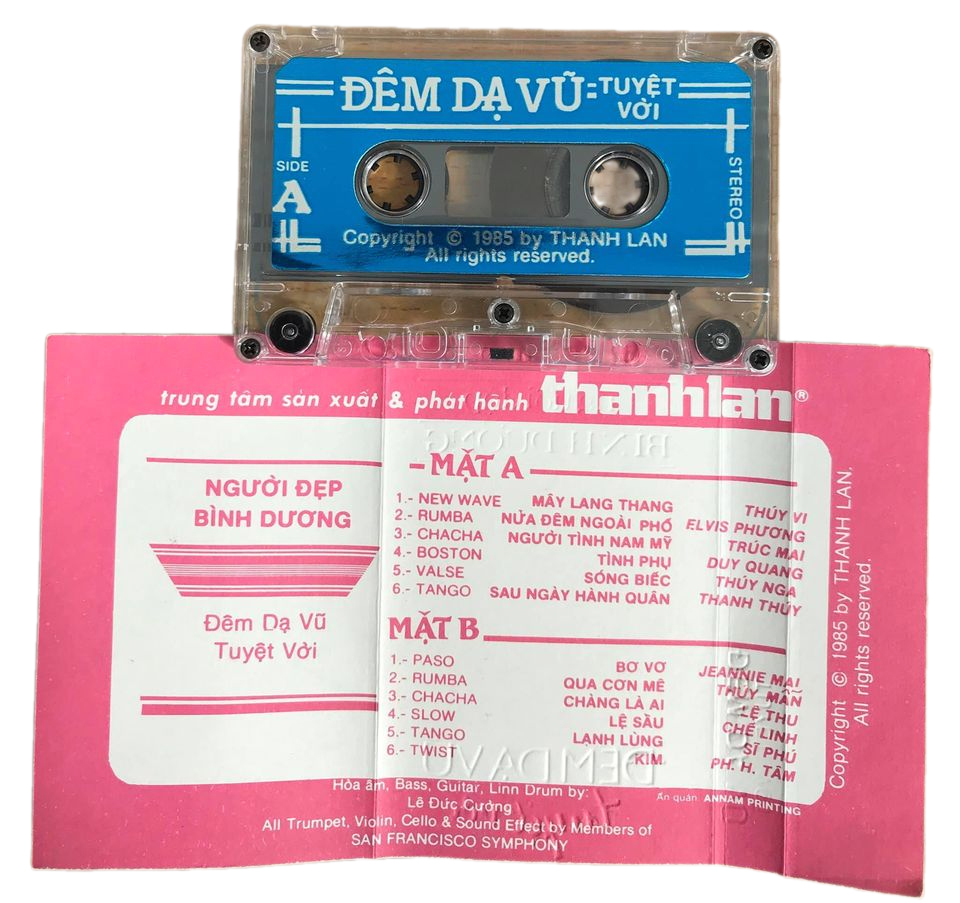
  1. A1. Trieu Phu Luu Manh - Huong Lan
    A2. Cau Chuyen Anh Hung - Elvis Phuong
    A3. Thien Su Ky Mon - Jo Marcel
    A4. Than Dieu Hiep Lu I - Julie
    A5. Tinh Ca Giot Le I - Mai Le Huyen
    A6. Tinh Me - Duy Quang
    B1. Co Canh Sat Di Tuan - Julie
    B2. Luc Tieu Phung - Son Ca
    B3. Hao Mon An Oan - Son Ca
    B4. Hoa Phuong Hoang - Nhu Mai
    B5. Tinh Ca Giot Le II - Julie
    B6. Than Dieu Hiep Lu II - Huong Lan
    • Free
    • 0 Downloads
    Submitted
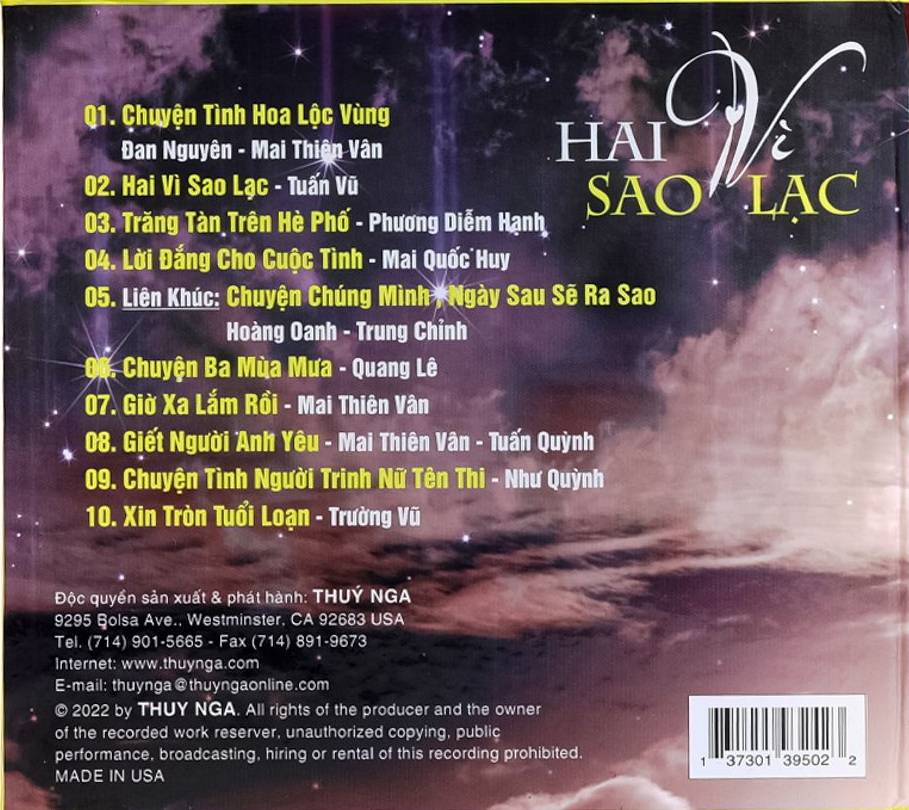
  2. 01 - Bóng Nhỏ Đường Chiều (Sa Huỳnh)
    02 - Đường Về Hai Thôn (Sa Huỳnh)
    03 - Duyên Quê (Sa Huỳnh)
    04 - Ga Chiều Phố Nhỏ (Sa Huỳnh)
    05 - Gian Dối (Sa Huỳnh)
    06 - Hai Vì Sao Lạc (Sa Huỳnh)
    07 - Một Đời Yêu Anh (Sa Huỳnh)
    08 - Nhà Anh Nhà Em (Sa Huỳnh)
    09 - Ngàn Thu Áo Tím (Sa Huỳnh)
    10 - Phút Đầu Tiên (Sa Huỳnh)
    11 - Rong Rêu (Sa Huỳnh)
    12 - Tiễn Đưa (Sa Huỳnh)
    13 - Xóm Đêm (Sa Huỳnh)
    14 - Xót Xa (Sa Huỳnh)
    • Free
    • 0 Downloads
    Submitted

Account

Navigation

Search

Search

Configure browser push notifications

Chrome (Android)
  1. Tap the lock icon next to the address bar.
  2. Tap Permissions → Notifications.
  3. Adjust your preference.
Chrome (Desktop)
  1. Click the padlock icon in the address bar.
  2. Select Site settings.
  3. Find Notifications and adjust your preference.