
Skip to content
View in the app

A better way to browse. Learn more.

tả pí lù

A full-screen app on your home screen with push notifications, badges and more.

To install this app on iOS and iPadOS
  1. Tap the Share icon in Safari
  2. Scroll the menu and tap Add to Home Screen.
  3. Tap Add in the top-right corner.
To install this app on Android
  1. Tap the 3-dot menu (⋮) in the top-right corner of the browser.
  2. Tap Add to Home screen or Install app.
  3. Confirm by tapping Install.
ĐĂNG KÝ THÀNH VIÊN

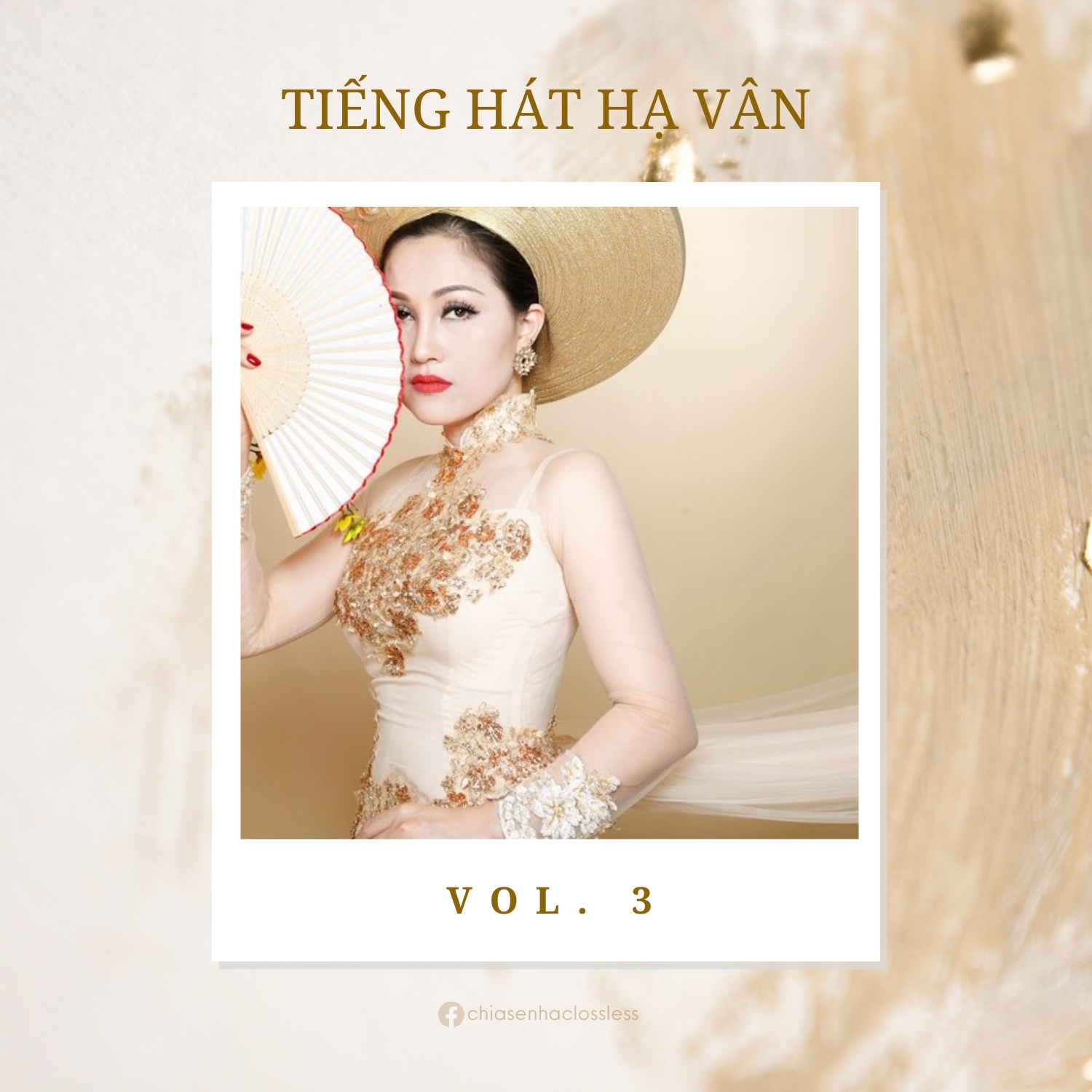
Tiếng hát Hạ Vân Vol. 3

(0 reviews)

1 Screenshot

67 - Miền Xa Thẳm
68 - Mong Chờ
69 - Mùa Hoa Cải Bên Sông
70 - Nỗi Nhớ Miền Trung
71 - Nỗi Nhớ Mùa Đông
72 - Ở Hai Đầu Nỗi Nhớ
73 - Phúc Âm Buồn
74 - Qua Bến Đò Quan
75 - Quê Hương
76 - Rặng Trâm Bầu
77 - Ru Nửa Vầng Trăng
78 - Sao Chưa Thấy Hồi Âm
79 - Sầu Lẻ Bóng
80 - Son
81 - Sông Lô Chiều Cuối Năm
82 - Tâm Sự Đời Tôi
83 - Thì Thầm Cùng Dòng Sông
84 - Thơ Tình Cuối Mùa Thu
85 - Thời Hoa Đỏ
86 - Thu Cô Liêu
87 - Thương Hoài Ngàn Năm
88 - Thương Lắm Tóc Dài Ơi
89 - Thương Nhớ Hoa Đào
90 - Thương Về Miền Trung

User Feedback

Join the conversation

You can post now and register later. If you have an account, sign in now to post with your account.
Note: Your post will require moderator approval before it will be visible.

Guest
  • This will not be shown to other users.

  • Your review Required
    Add a review...

Account

Navigation

Search

Search

Configure browser push notifications

Chrome (Android)
  1. Tap the lock icon next to the address bar.
  2. Tap Permissions → Notifications.
  3. Adjust your preference.
Chrome (Desktop)
  1. Click the padlock icon in the address bar.
  2. Select Site settings.
  3. Find Notifications and adjust your preference.