
Skip to content
View in the app

A better way to browse. Learn more.

tả pí lù

A full-screen app on your home screen with push notifications, badges and more.

To install this app on iOS and iPadOS
  1. Tap the Share icon in Safari
  2. Scroll the menu and tap Add to Home Screen.
  3. Tap Add in the top-right corner.
To install this app on Android
  1. Tap the 3-dot menu (⋮) in the top-right corner of the browser.
  2. Tap Add to Home screen or Install app.
  3. Confirm by tapping Install.
ĐĂNG KÝ THÀNH VIÊN

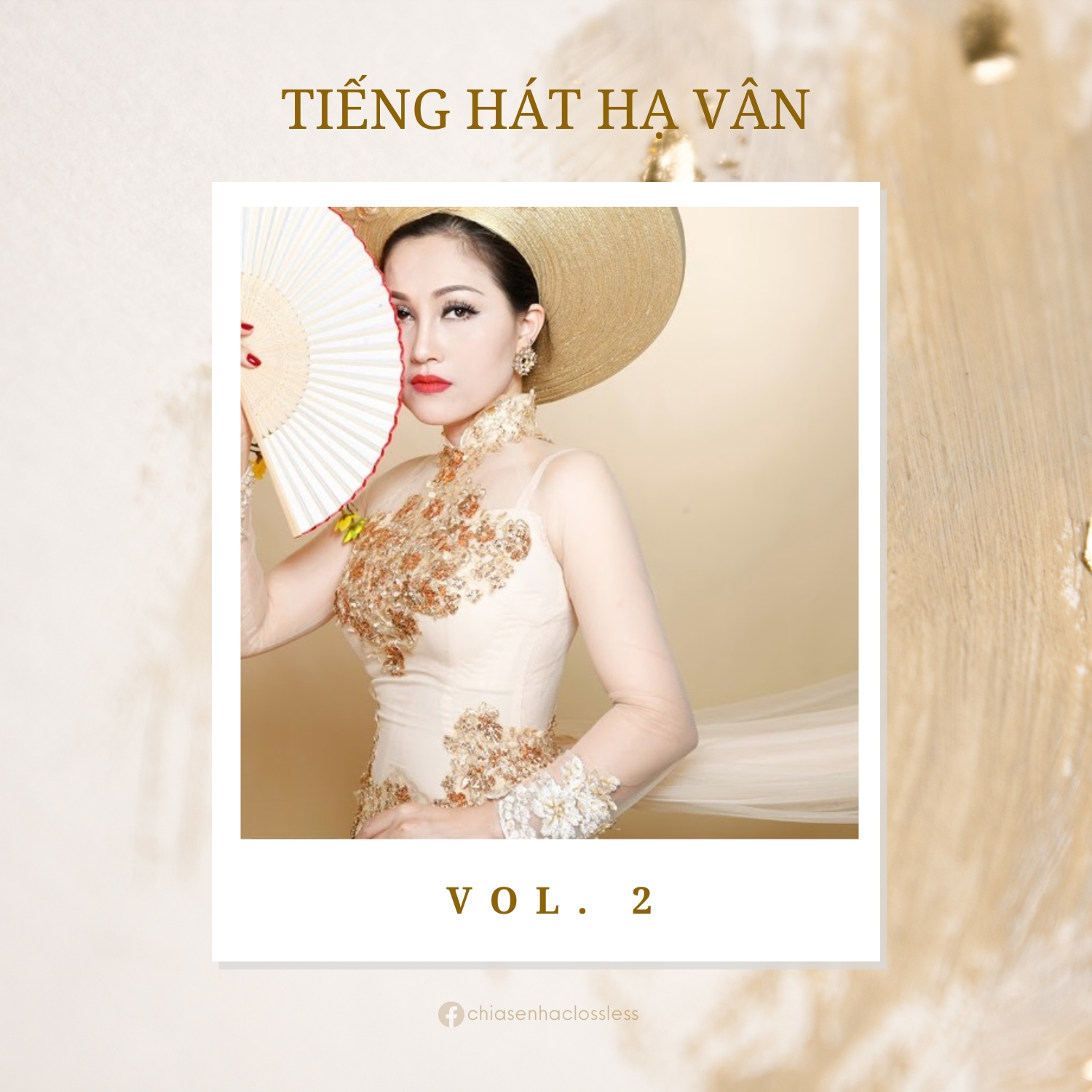
Tiếng hát Hạ Vân Vol. 2

(0 reviews)

1 Screenshot

35 - Em Là Mùa Thu
36 - Em Là Tất Cả
37 - Em Về Với Người
38 - Em Yêu Anh Như Yêu Câu Ví Dặm
39 - Gần Lắm Trường Sa
40 - Giận Thương
41 - Gọi Đò Kẻ Chợ
42 - Gửi Sông La
43 - Hà Giang Quê Tôi
44 - Hạ Long Biển Nhớ
45 - Hà Nam Đất Mẹ Anh Hùng
46 - Hà Tĩnh Mình Thương
47 - Hạnh Phúc Mong Manh
48 - Hoa Cau Vườn Trầu
49 - Hoa Cỏ May
50 - Hoa Tím Ngày Xưa
51 - Huế Thương
52 - Huế Và Em
53 - Khóc Thầm
54 - Không Còn Mùa Thu
55 - Không Giờ Rồi
56 - Khúc Hát Sông Quê
57 - Khúc Mùa Thu
58 - Lạy Phật Quan Âm
59 - Mai Lỡ Mình Xa Nhau  Đừng Nói Xa Nhau (Medley)
60 - Lời Ca Dâng Bác
61 - Lời Ru
62 - Lời Ru Cỏ Non
63 - Lòng Mẹ
64 - Lưu Bút Ngày Xanh
65 - Mai Em Đi Rồi
66 - Miền Trung Nhớ Bác

User Feedback

Join the conversation

You can post now and register later. If you have an account, sign in now to post with your account.
Note: Your post will require moderator approval before it will be visible.

Guest
  • This will not be shown to other users.

  • Your review Required
    Add a review...

Account

Navigation

Search

Search

Configure browser push notifications

Chrome (Android)
  1. Tap the lock icon next to the address bar.
  2. Tap Permissions → Notifications.
  3. Adjust your preference.
Chrome (Desktop)
  1. Click the padlock icon in the address bar.
  2. Select Site settings.
  3. Find Notifications and adjust your preference.