
Skip to content
View in the app

A better way to browse. Learn more.

tả pí lù

A full-screen app on your home screen with push notifications, badges and more.

To install this app on iOS and iPadOS
  1. Tap the Share icon in Safari
  2. Scroll the menu and tap Add to Home Screen.
  3. Tap Add in the top-right corner.
To install this app on Android
  1. Tap the 3-dot menu (⋮) in the top-right corner of the browser.
  2. Tap Add to Home screen or Install app.
  3. Confirm by tapping Install.
ĐĂNG KÝ THÀNH VIÊN

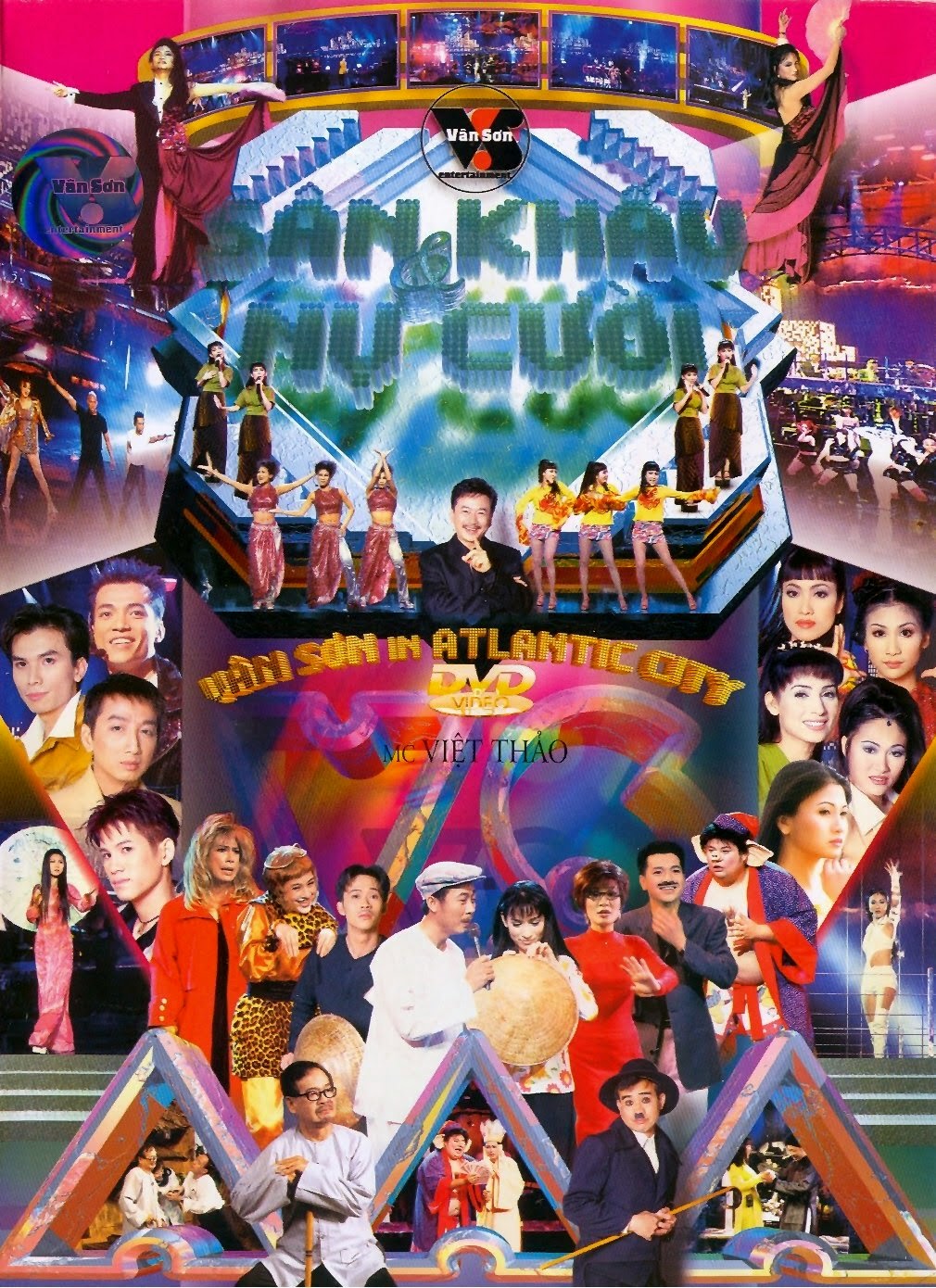
Vân Sơn 13 - In Atlantic City

1 Screenshot

  1. Ngày Vui Đã Đến (LV: Lương Tùng Quang) - Lương Tùng Quang
  2. Tìm Lại Cành Ngọc Lan (Huỳnh Nhật Tân) - Ngọc Hồ
  3. Đừng Chạy Trốn Tình Yêu (LV: Huỳnh Nhật Tân) - Ngọc Thúy
  4. Tây Du Ký - Nguyễn Dương, Thu Tuyết, Bé Mập
  5. Move Your Body - Cát Ly
  6. One Man Woman - Trần Tường Nguyên
  7. Chuyện Đời Ca Sĩ (Song Ngọc) - Mạnh Quỳnh
  8. Đời Không Như Là Mơ (Trầm Tử Thiêng) - Phi Nhung
  9. Chàng Ma Lanh - Văn Chung, Linh Tuấn, Đoan Thi
  10. Anh Có Nghe Mưa Rơi (Huỳnh Nhật Tân) - Tâm Đoan
  11. Bằng Lòng Đi Em - Vân Sơn, Phi Nhung
  12. Chuyện Hàng Xóm - Trường Vũ
  13. Hát Cho Tình Yêu - Tú Quyên
  14. Than Thở Với Lục Bình - Hoài Linh
  15. Ngày Gặp Mặt - Vân Sơn, Quang Minh, Hồng Đào
  16. Đêm Lễ hội Mùa Hè (LV: Huỳnh Nhật Tan) - Hợp ca

Account

Navigation

Search

Search

Configure browser push notifications

Chrome (Android)
  1. Tap the lock icon next to the address bar.
  2. Tap Permissions → Notifications.
  3. Adjust your preference.
Chrome (Desktop)
  1. Click the padlock icon in the address bar.
  2. Select Site settings.
  3. Find Notifications and adjust your preference.