
Skip to content
View in the app

A better way to browse. Learn more.

tả pí lù

A full-screen app on your home screen with push notifications, badges and more.

To install this app on iOS and iPadOS
  1. Tap the Share icon in Safari
  2. Scroll the menu and tap Add to Home Screen.
  3. Tap Add in the top-right corner.
To install this app on Android
  1. Tap the 3-dot menu (⋮) in the top-right corner of the browser.
  2. Tap Add to Home screen or Install app.
  3. Confirm by tapping Install.
ĐĂNG KÝ THÀNH VIÊN

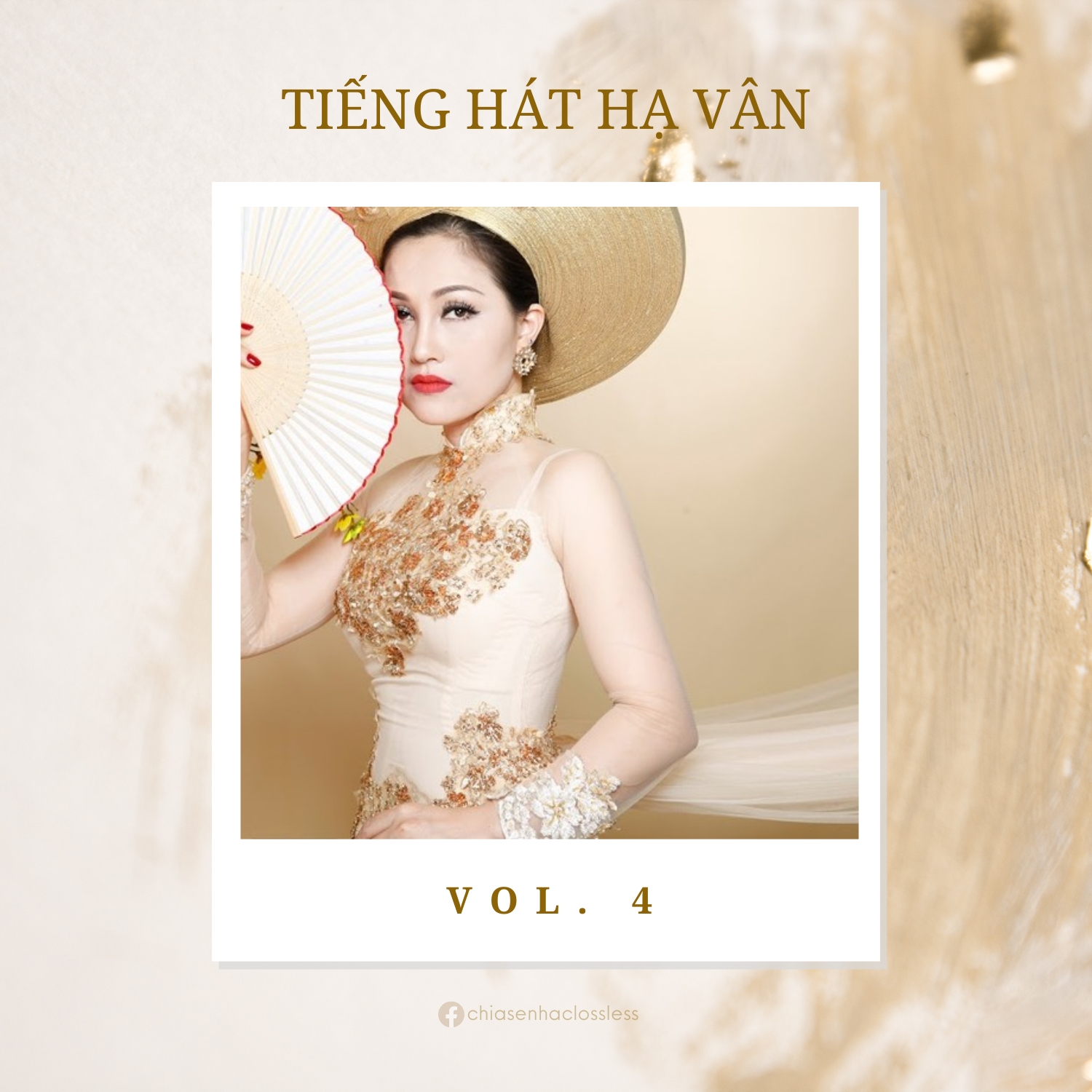
Tiếng hát Hạ Vân vol. 4

(0 reviews)

1 Screenshot

100 - Trở Lại Cao Bằng
101 - Tự Nguyện
102 - Về Hà Tây Đi Em
103 - Về Miền Tây
104 - Về Quê
105 - Xin Gọi Nhau Là Cố Nhân
106 - Yêu Một Mình
107 - Yêu Người Như Thế Đó
108 - Đoạn Cuối Tình Yêu (feat. Chiến Thắng)
109 - Không Giờ Rồi (feat. Chiến Thắng)
110 - Mưa Bụi (feat. Chiến Thắng)
111 - Nối Lại Tình Xưa (feat. Chiến Thắng)
112 - Sầu Tím Thiệp Hồng (feat. Chiến Thắng)
113 - Trên Công Trường Rộn Tiếng Ca (feat. Minh Khôi)
114 - Không Giờ Rồi (feat. Nguyên Hồ)
115 - Gửi Em Ở Cuối Sông Hồng (feat. Tiến Dũng)
116 - Tình Ta Biển Bạc Đồng Xanh (feat. Tiến Dũng)
91 - Tiếng Hát Giữa Rùng Pác Bó
92 - Tìm Tên Anh Trên Bờ Cát
93 - Tình Ca Mùa Xuân
94 - Tình Đất
95 - Tình Ta Biển Bạc Đồng Xanh
96 - Tình Yêu Trả Lại Trăng Sao
97 - Tinh Yêu Trên Dòng Sông Quan Họ
98 - Tội Tình
99 - Trăng Khuyết

User Feedback

Join the conversation

You can post now and register later. If you have an account, sign in now to post with your account.
Note: Your post will require moderator approval before it will be visible.

Guest
  • This will not be shown to other users.

  • Your review Required
    Add a review...

Account

Navigation

Search

Search

Configure browser push notifications

Chrome (Android)
  1. Tap the lock icon next to the address bar.
  2. Tap Permissions → Notifications.
  3. Adjust your preference.
Chrome (Desktop)
  1. Click the padlock icon in the address bar.
  2. Select Site settings.
  3. Find Notifications and adjust your preference.