
Skip to content
View in the app

A better way to browse. Learn more.

tả pí lù

A full-screen app on your home screen with push notifications, badges and more.

To install this app on iOS and iPadOS
  1. Tap the Share icon in Safari
  2. Scroll the menu and tap Add to Home Screen.
  3. Tap Add in the top-right corner.
To install this app on Android
  1. Tap the 3-dot menu (⋮) in the top-right corner of the browser.
  2. Tap Add to Home screen or Install app.
  3. Confirm by tapping Install.
ĐĂNG KÝ THÀNH VIÊN

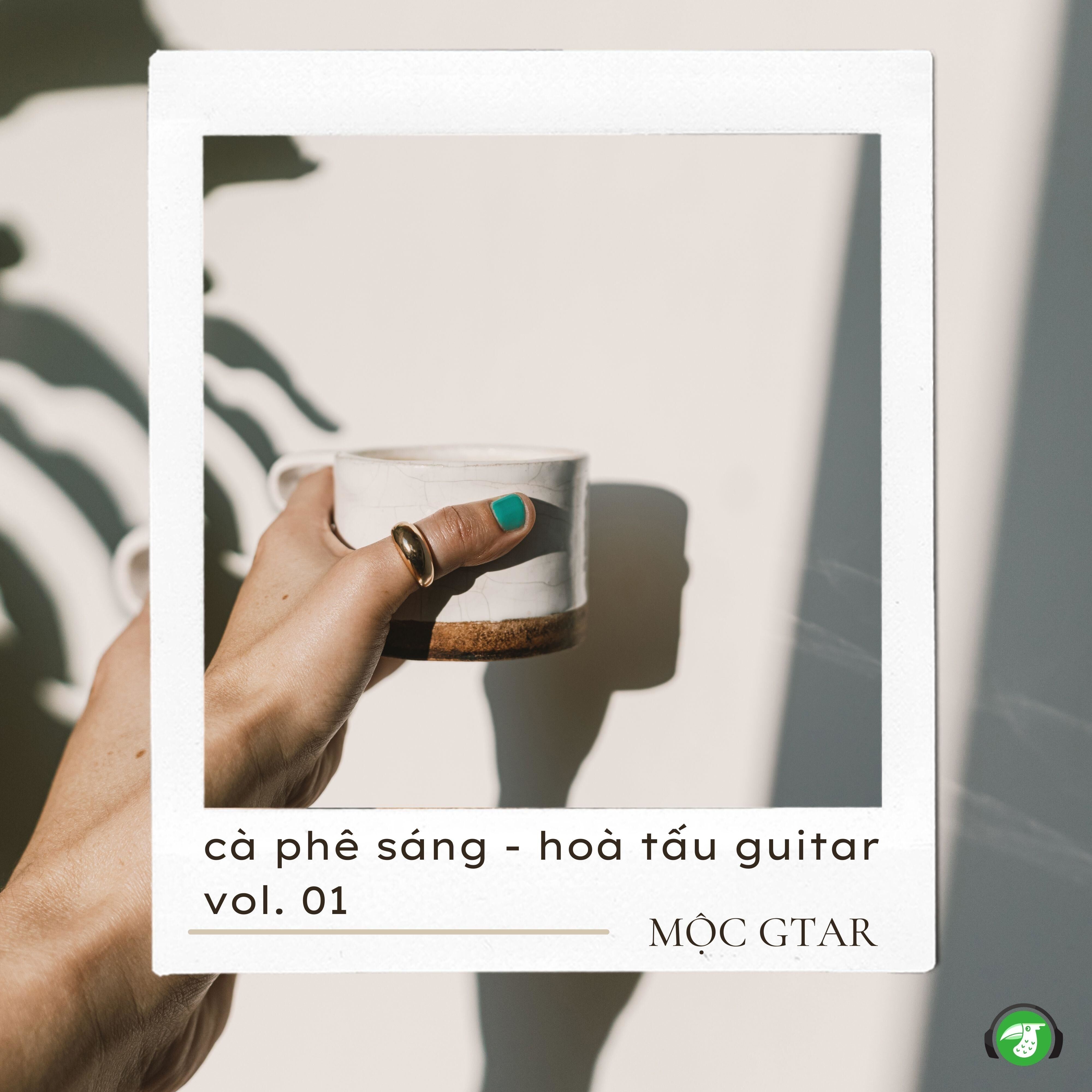
Mộc Guitar - Cà Phê Sáng - Hoà Tấu Guitar - Vol. 01 (Pop) (2024)

(0 reviews)

1 Screenshot

01 - Khởi Đầu Ngày Mới Với Tách Cà Phê

02 - Mùi Hương Cà Phê Khơi Dậy Mọi Giác Quan

03 - Cà Phê Quán Cóc Vỉa Hè Trước Giờ Làm Việc

04 - Thưởng Thức Không Khí Đời Thường Ở Quán Cà Phê Quen

05 - Cà Phê Sài Gòn Take Away

06 - Không Gian Quán Cà Phê Cổ Điển Giữa Lòng Thành Phố

07 - Những Quán Cà Phê View Đẹp

08 - Tận Hưởng Không Gian Yên Tĩnh Trong Quán Cà Phê Hẻm

09 - Quán Cà Phê Ngồi Làm Việc Thu Hút Giới Freelancer

10 - Cuối Tuần Cùng Gia Đình Ở Cà Phê Sân Vườn

User Feedback

Join the conversation

You can post now and register later. If you have an account, sign in now to post with your account.
Note: Your post will require moderator approval before it will be visible.

Guest
  • This will not be shown to other users.

  • Your review Required
    Add a review...

Account

Navigation

Search

Search

Configure browser push notifications

Chrome (Android)
  1. Tap the lock icon next to the address bar.
  2. Tap Permissions → Notifications.
  3. Adjust your preference.
Chrome (Desktop)
  1. Click the padlock icon in the address bar.
  2. Select Site settings.
  3. Find Notifications and adjust your preference.