
Skip to content
View in the app

A better way to browse. Learn more.

tả pí lù

A full-screen app on your home screen with push notifications, badges and more.

To install this app on iOS and iPadOS
  1. Tap the Share icon in Safari
  2. Scroll the menu and tap Add to Home Screen.
  3. Tap Add in the top-right corner.
To install this app on Android
  1. Tap the 3-dot menu (⋮) in the top-right corner of the browser.
  2. Tap Add to Home screen or Install app.
  3. Confirm by tapping Install.
ĐĂNG KÝ THÀNH VIÊN

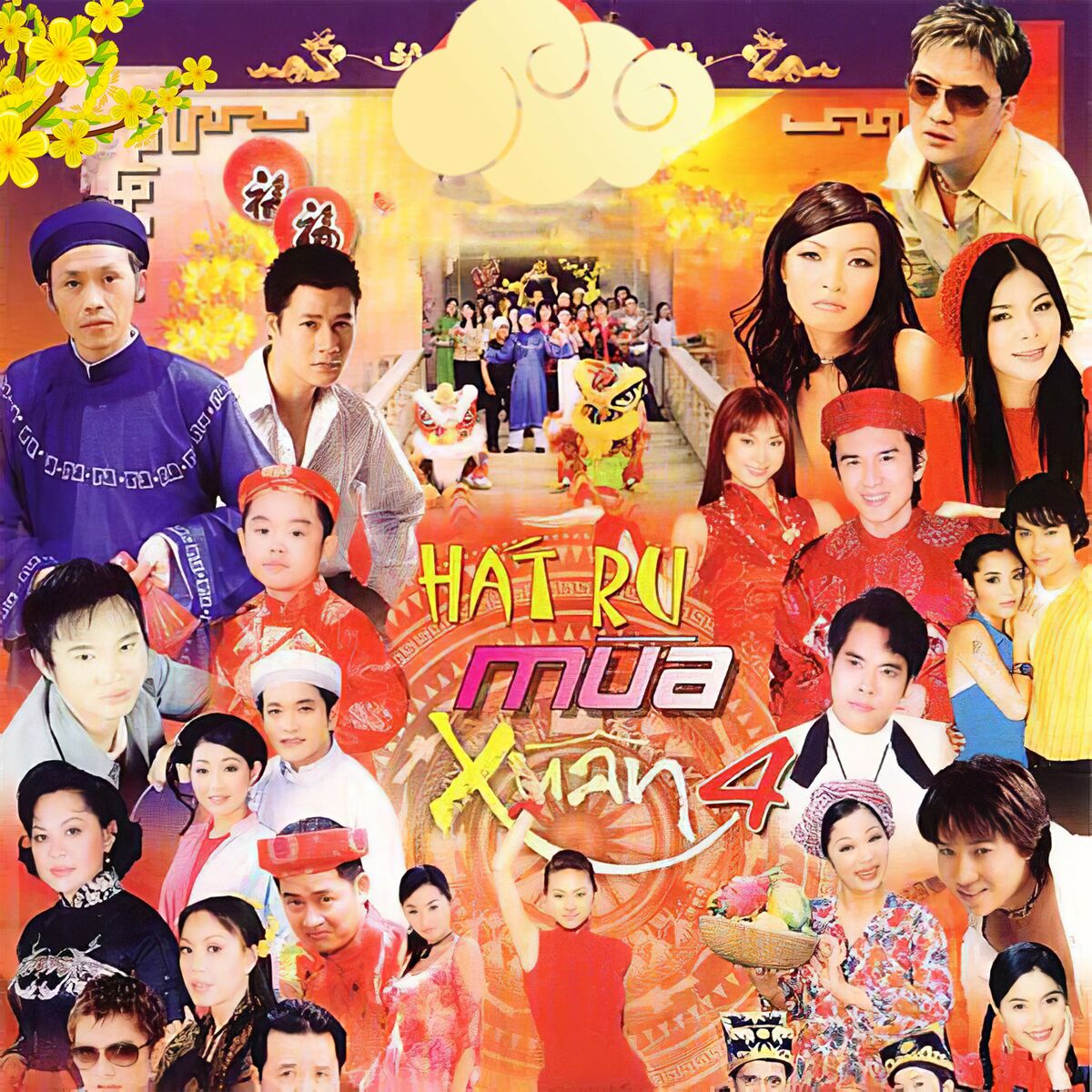
Hát Ru Mùa Xuân 4

(0 reviews)

1 Screenshot

1. Hat Di Em Mua Xuan - Ngo Thanh Van
10. Rock Xuan Sang - Nhom GMC
11. Ve Hat Giua Mua Xuan - Xuan Phu
12. Mua Xuan Tro Ve - Trieu Hong Ngoc
13. Mua Xuan - Trong Phuc & Ha My
14. Bong Van Tho - Quang Linh
15. Diep Khuc Mua Xuan - Phuong Thanh
16. Nang Xuan - Tran Tam & Nhu Y
17. Nang Chieu Xuan - Dam Vinh Hung
18. Lien Khuc Tinh Xua Ve Dau - Tinh Da Voi Quen - Minh Thu & Nhu Y & Trieu Hong Ngoc
19. Mua Xuan Chuc Nhau - Hop Ca
2. Loi To Tinh Cua Mua Xuan - Hoang Thanh
3. Hen Uoc Mua Xuan - My Le
4. Con Mai Noi Day - Quang Dung
5. Lien Khuc Xuan Hop Mat - Hoang Thanh & Nhat Thien Bao & Nghi Van
6. Me La Que Huong - Giao Linh & Linh Trang
7. Huong Xuan - Dan Truong
8. Cuoi Em - Tan Beo
9. Mua Xuan Hoa Tim - Trong Phuc

User Feedback

Join the conversation

You can post now and register later. If you have an account, sign in now to post with your account.
Note: Your post will require moderator approval before it will be visible.

Guest
  • This will not be shown to other users.

  • Your review Required
    Add a review...

Account

Navigation

Search

Search

Configure browser push notifications

Chrome (Android)
  1. Tap the lock icon next to the address bar.
  2. Tap Permissions → Notifications.
  3. Adjust your preference.
Chrome (Desktop)
  1. Click the padlock icon in the address bar.
  2. Select Site settings.
  3. Find Notifications and adjust your preference.