
Skip to content
View in the app

A better way to browse. Learn more.

tả pí lù

A full-screen app on your home screen with push notifications, badges and more.

To install this app on iOS and iPadOS
  1. Tap the Share icon in Safari
  2. Scroll the menu and tap Add to Home Screen.
  3. Tap Add in the top-right corner.
To install this app on Android
  1. Tap the 3-dot menu (⋮) in the top-right corner of the browser.
  2. Tap Add to Home screen or Install app.
  3. Confirm by tapping Install.
ĐĂNG KÝ THÀNH VIÊN

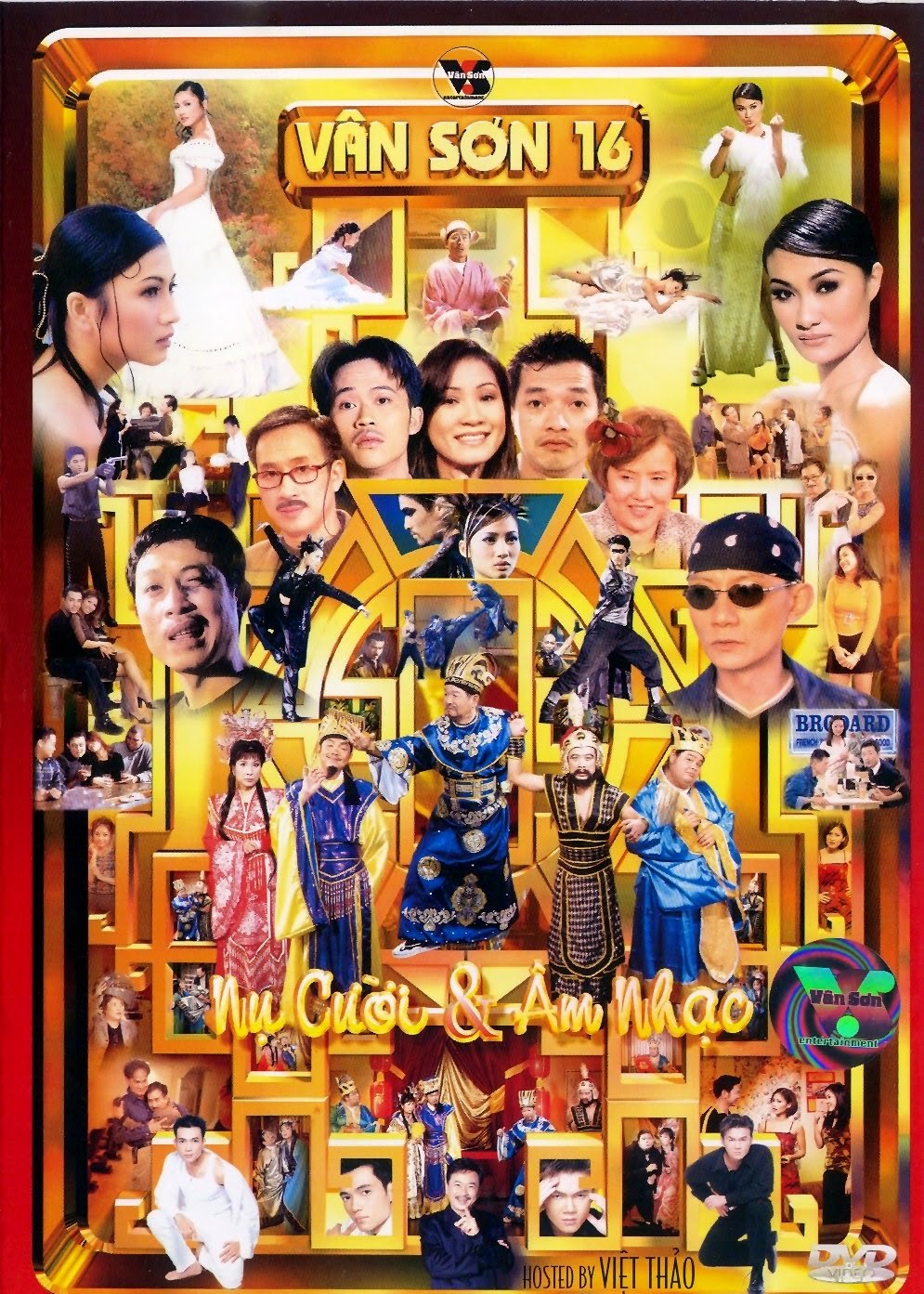
Vân Sơn 16 - Nụ Cười & Âm Nhạc

1 Screenshot

  1. Super Heroes (Minh Trí, Việt Thi) - Minh Trí, Việt Thi
  2. Gọi Gấp (Vân Sơn, Charlie Nguyễn) - Vân Sơn, Bảo Liêm
  3. Ánh Trăng Lẻ Loi - Tâm Đoan
  4. Ông Sui Bà Sui (Hồng Phúc) - Hồng Đào, Quang Kiệt, Mỹ Trinh, Khả Tú, Quốc Tuấn
  5. Hạnh Phúc Một Mùa Xuân (Tôn Thất Tùng, Lương Tùng Quang) - Lương Tùng Quang
  6. Ngày Valentine (Thanh Trúc) - Quang Minh, Hồng Đào, Việt Thi, Bảo Hiền
  7. Lấy Le (Vân Sơn, Charlie Nguyễn) - Vân Sơn, Justine Thảo Lê, Dominic Pereira, Quang Vũ
  8. Bài Ca Xuân (Quốc Dũng) - Khánh Hoàng
  9. Sexual (Nhạc nước ngoài) - Cát Ly
  10. Tiền Là Gì (Thanh Trúc) - Vân Sơn, Bảo Liêm
  11. Lý Gái Hư (Dân ca) - Hoài Linh
  12. Đắc Kỷ Ho Gà (Xuân Phát) - Vân Sơn, Văn Chung, Chí Tài, Phượng Mai, Bé Mập, Linh Tuấn

Account

Navigation

Search

Search

Configure browser push notifications

Chrome (Android)
  1. Tap the lock icon next to the address bar.
  2. Tap Permissions → Notifications.
  3. Adjust your preference.
Chrome (Desktop)
  1. Click the padlock icon in the address bar.
  2. Select Site settings.
  3. Find Notifications and adjust your preference.